Free delivery on every print and canvas

Photo guide

Choosing the
right photograph.

The single largest factor in how a portrait turns out is the photograph it starts from — more than the style, more than the size, more than anything chosen afterwards. This page is what we would tell you if you rang up and asked which of your photos to use. None of it requires a camera you do not already own.

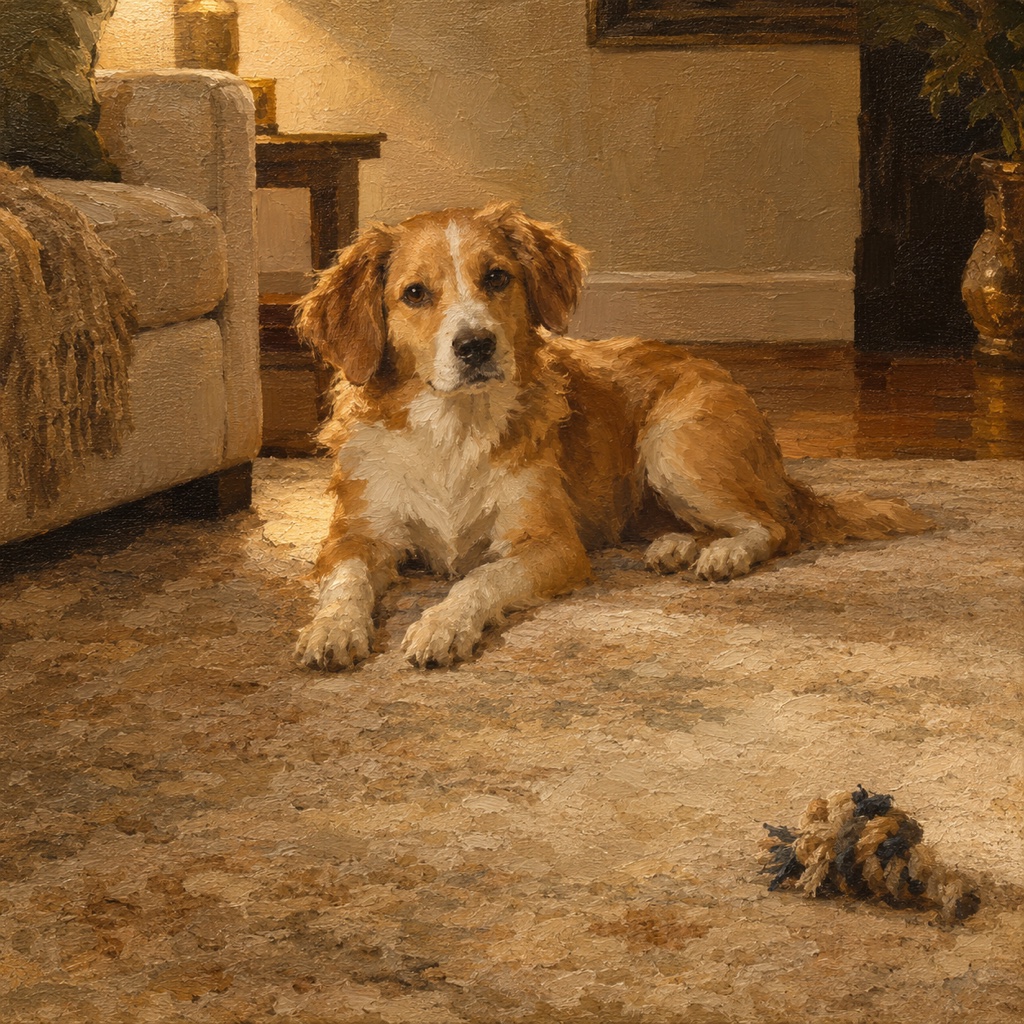
A photograph being selected on a phone
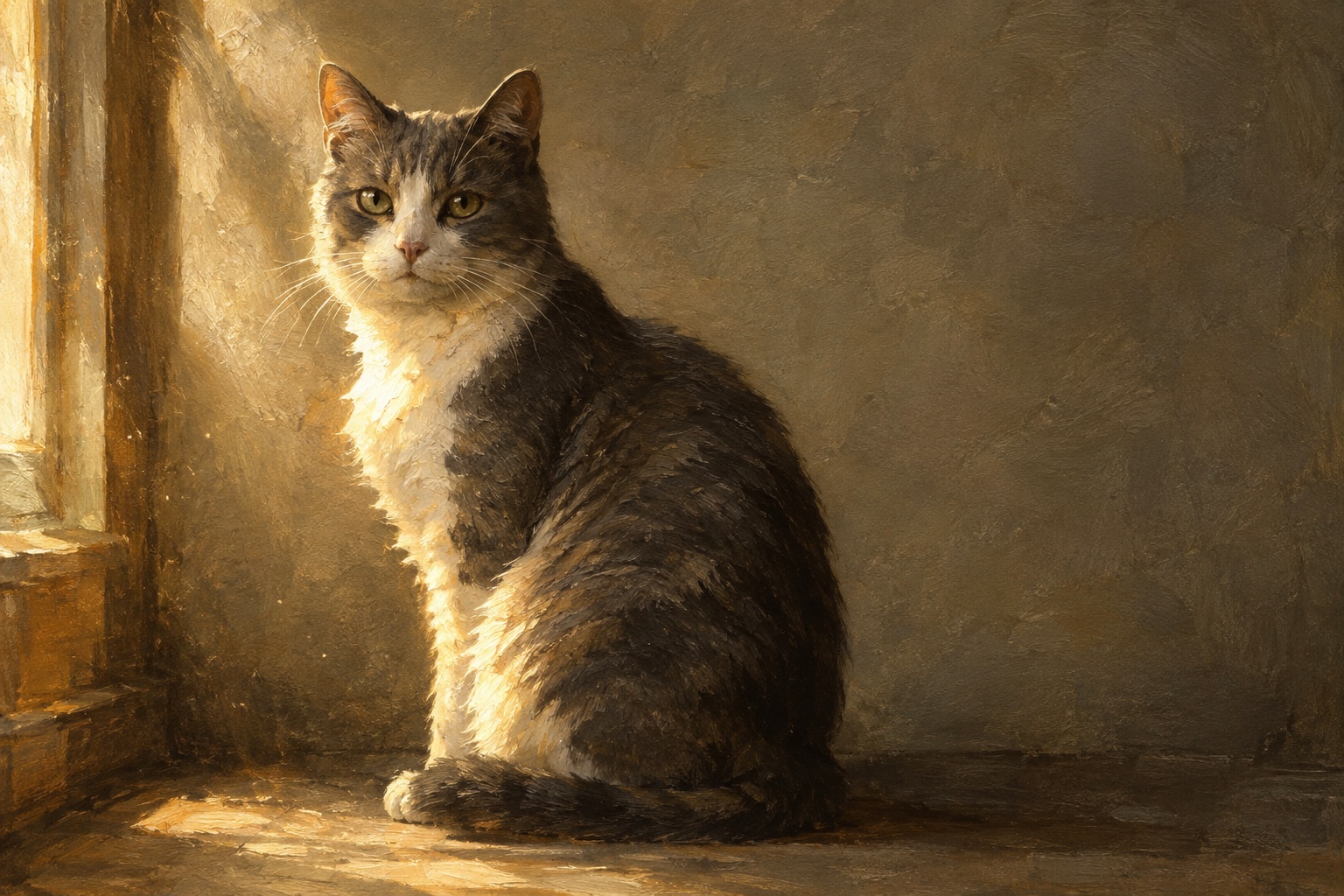
A cat sitting in soft window light

Six things that matter

What separates an easy photo from a hard one

In rough order of importance. If a photo satisfies the first three, it will almost certainly work.

01

Daylight, not flash

Aim for

A window on an overcast day, a shaded spot outdoors, or an open doorway. Soft directional light gives the face structure — a lit side, a shadow side, and a gradient between them.

Avoid

A direct on-camera flash flattens everything it touches and throws a hard shadow onto the wall behind. Overhead ceiling lights are the second worst offender: they dig shadows into the eye sockets.

02

A clear view of the face

Aim for

Eyes visible and in focus, the head turned somewhere between straight-on and a three-quarter angle. Three-quarter is the most forgiving and looks the most like a painted portrait.

Avoid

A profile from directly behind, a face half-hidden behind a toy or a hand, or a shot taken from above looking down. Anything that hides one eye entirely loses the thing that makes a portrait read as that particular subject.

03

Light in front, not behind

Aim for

Position yourself so the light falls on the face. If you are indoors, that usually means the subject faces the window and you stand with your back to it.

Avoid

Shooting towards a bright window or into the sun turns the subject into a silhouette. There is detail in a backlit face that no amount of brightening will bring back, because the camera never recorded it.

04

Still enough to be sharp

Aim for

Get the subject settled first — after a walk, after a meal, in the spot they already like to sit. A moment of stillness is worth more than twenty frames of motion.

Avoid

Motion blur in the face is the one flaw that cannot be worked around. Slight softness is fine. A smeared muzzle or a double-imaged eye is not.

05

Close enough to fill the frame

Aim for

The head and shoulders taking up a good half of the picture. Step closer rather than zooming with a phone's digital zoom, which just crops and softens.

Avoid

A subject the size of a thumbnail in a wide garden shot. There is only so much detail in those pixels, and a large canvas will show exactly how much.

06

A background that stays out of the way

Aim for

A plain wall, grass, a sofa, a floor. The background is reworked in the portrait anyway, so all it has to do is not confuse the edges of the subject.

Avoid

A patterned rug behind a tabby, a dark dog against a dark doorway, or a bright object growing out of the top of someone's head.

By subject

Advice that only applies to some of you

Pets

Get down to their eye level — sitting on the floor changes the portrait more than any camera setting will. Squeak something or say their name just before you press the shutter to get the ears up and the eyes forward. For black or very dark coats, find bright indirect light, because dark fur against a dark background is the one combination that genuinely loses detail. For long-haired breeds, side light is what separates the coat into strands instead of a single shape.

People

Head and shoulders, shot from roughly chin height or a touch above. A slight turn of the head reads better than a straight-on passport angle. Glasses catch reflections — a small tilt of the head downwards clears them. If several people will hang together as a set, photograph each of them separately in similar light rather than cropping one group shot; crops from a group photo rarely hold up at canvas size.

Houses and places

Early morning or late afternoon, with the light hitting the front of the building rather than coming from behind it. Stand far enough back to get the whole structure in without tilting the camera up, which makes the walls lean inwards. If a car, a bin or scaffolding is in the way, move it or wait — anything in the photograph is something we have to decide what to do with.

More than one subject together

Every face in the frame has to be clear on its own. A photo where one dog is sharp and the other is turned away or blurred makes a portrait where one dog is right and the other is a guess. If you cannot get everyone looking at once, send separate clear photos of each and say that they belong in one portrait; that works far better than a single compromised shot.

Old and imperfect photographs

When the only photo you have is the only photo you have

A great many portraits here start from a photograph nobody would call good: a print from the nineties, a low-resolution phone picture from a decade ago, a frame pulled out of a video. These are often the most important photographs there are, because the subject is no longer here to be photographed again. They are worth trying.

If you are working from a paper print, photograph it flat in daylight rather than scanning it under a lamp — lay it on a table near a window, hold the camera parallel to it and step back far enough that your own shadow is out of the frame. Turn off the flash, which will otherwise bounce straight back off the print. A phone photo of a photo, taken this way, is usually better than a rushed scan.

Grain, faded colour, a crease across the corner, a scan that has gone slightly yellow — all of these are workable. Colour can be brought back, grain is not carried into the painted surface, and damage away from the face rarely matters. What cannot be recovered is detail that was never captured: a face lost in shadow, a face too small in the frame, or a face blurred by movement.

The honest answer, in every uncertain case, is to upload it and look. The preview costs nothing and tells you in a minute or two what no amount of guessing will. If it does not work, try a second photograph — or ask for the light and the crop to be changed, which is free.

Files

Practicalities

JPEG, PNG, HEIC and WebP all work. Send the original file rather than one that has been through a messaging app if you can — chat apps recompress images hard, and a photo that has been forwarded three times has lost detail that the original still has. Airdrop, email to yourself, or a cloud photo library will all preserve it.

Do not crop tightly before uploading; a little space around the subject gives more room to compose the portrait. Screenshots of photos are a last resort, as they capture the screen rather than the image. And avoid photos with heavy filters or beauty smoothing already applied — the portrait works from what is in the picture, and a filter has already thrown some of that away.

Try the photo you are unsure about

A minute of looking settles it better than an afternoon of deciding. The preview is free either way.